Skip to content

Workspace codes

  • Google Workspace Promo Code
  • Blog
  • Gemini
  • Legal
  • 🇺🇸
    • 🇧🇷
    • 🇪🇸

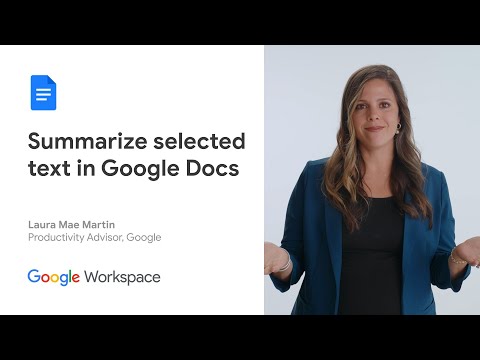
How to summarize selected text in Google Docs (Video)

January 15, 2025 by AP

In this week’s episode of Google Workspace Productivity Tips, we’ll show you how to use Gemini to summarize selected text in Google Docs.

Test Workspace Free

Get a Google Workspace Promo Code

How to summarize selected text in Google Docs

Source

5/5 - (1 vote)

Related

Categories Workspace
Use Gemini to interact with PDFs in Google Drive
Google AI, now included in Workspace Business

Recent Posts

  • Build and edit complex spreadsheets in Google Sheets with Gemini
  • Gmail end-to-end encryption now available on mobile
  • Longer musical tracks in the Gemini app
  • Export Google Vids directly to YouTube
  • Record your screen directly from Chrome with the Google Vids Screen Recorder Chrome Extension
  • Direct an avatar to speak and act anywhere with a consistent face and voice
  • Google Vids: Generate Videos with Veo 3.1 (Video)
  • New ways in NotebookLM
  • Cartoon avatars in Google Vids
  • Save PDFs to your Google Drive
  • Create custom soundtracks with Lyria 3 in the Gemini app
  • Audio summaries in Google Docs
  • Proofread your emails in Gmail with Gemini
  • Better suggestions for meeting times with Gemini in Google Calendar
  • Migrate from Dropbox to Google Drive
  • Google Workspace Cupones Promocionales
  • Código promocional do Google Workspace
  • Mastodon

Disclaimer

Disclaimer: We are NOT Google Workspace. We are an independent company that promotes Google Workspaces with the help of promo codes and other tools.
© 2026 Workspace codes • Built with GeneratePress